Raiffeisen Pay Portal Setup (Test)
Raiffeisen PAY Portal
The Raiffeisen PAY Portal is used for performing administrative tasks related to the API.
URL: https://pay-portal-int-kubera.raiffeisen.hu
The following settings need to be completed on the portal to set up the API connection:
- Create New Users
- Set permissions on the permission editing screen
- Extract credentials (depending on the product)
Login
Click the Login menu, enter the Systemadmin test Direct ID and the password provided by the bank in the Excel spreadsheet. The SMS code is retrieved via API, which will be demonstrated in the next step.
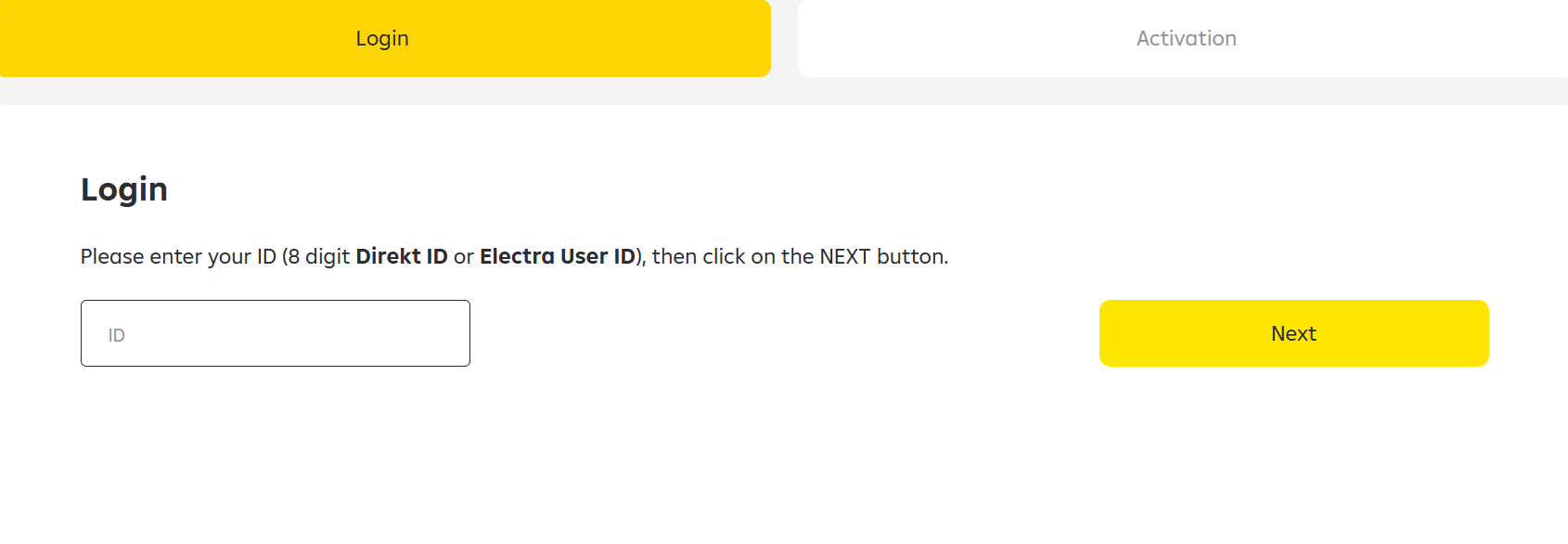
Retrieving SMS Code via SMS API
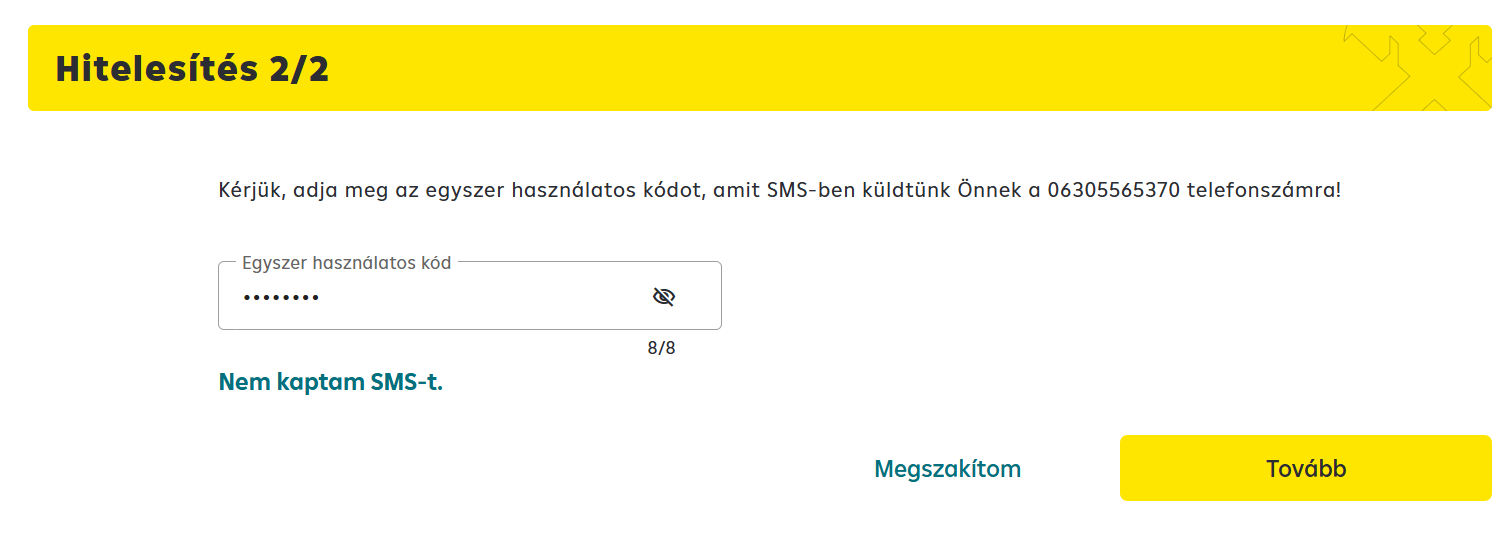
The SMS OTP retrieval API must be called after entering the password. It will always return the SMS OTP generated for the last operation, whether it's a login or an approval.
To call the endpoint, an API key (x-api-key) is required, along with two UUID headers: x-request-id and x-correlation-id.
The x-api-key is contained in the test user table provided by the bank.
Method: GET
Endpoint:
https://testing-tool-sms.huoapi-test.merlinplatform.cloud/smsotp/DIREKT_ID
The Systemadmin's Direct ID must be provided as a path parameter.
CURL example
curl --location 'https://testing-tool-sms.huoapi-test.merlinplatform.cloud/smsotp/PASTE_DIREKT_ID_HERE' \
--header 'x-api-key: API_KEY_SECRET' \
--header 'x-correlation-id: 8863237b-6207-4117-ba79-0d415ff8d822' \
--header 'x-request-id: e4347b9d-bb06-4bb0-8c25-385b388f1cef'
{
    "response": {
        "otp": "13644883",
        "sms": "A belépéshez szükséges egyszer használatos kódja: 13644883 Raiffeisen Bank Zrt",
        "smstimestamp": "2026-01-29 10:02:54.00+00:00"
    }
}
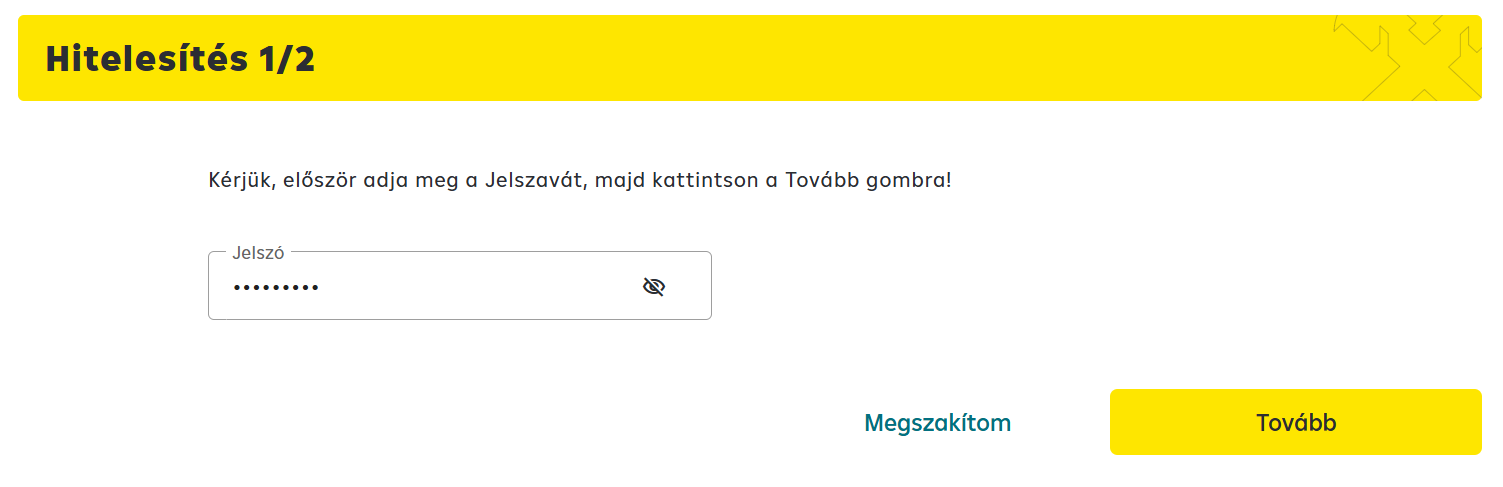
The value in the OTP field is what needs to be copied into the SMS code input field on the RPP portal. Every operation performed on the RPP portal must be signed with a password + SMS code combination. After entering the password, the SMS code must always be retrieved again.
Creating a New User
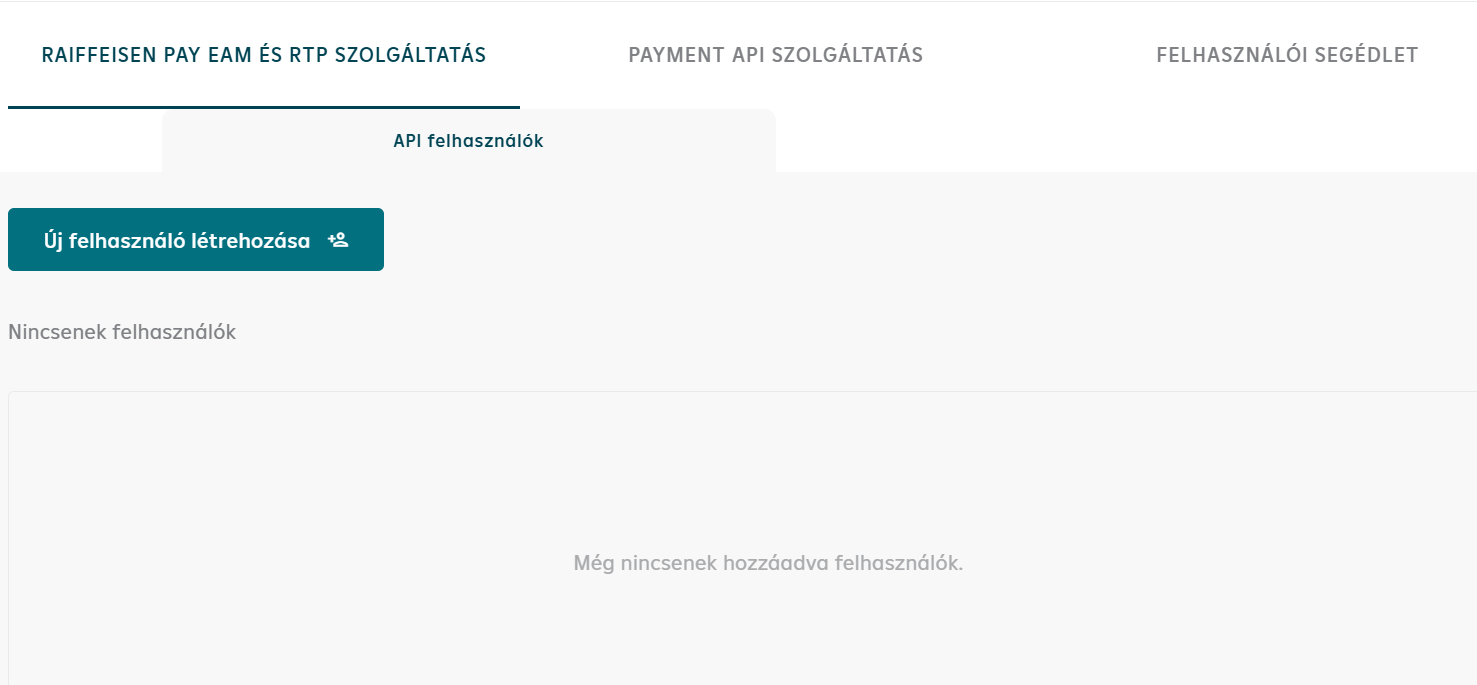
On the portal, click the Create New User button on the Raiffeisen PAY EAM and RTP service tab. The name of the API test user can be freely specified.
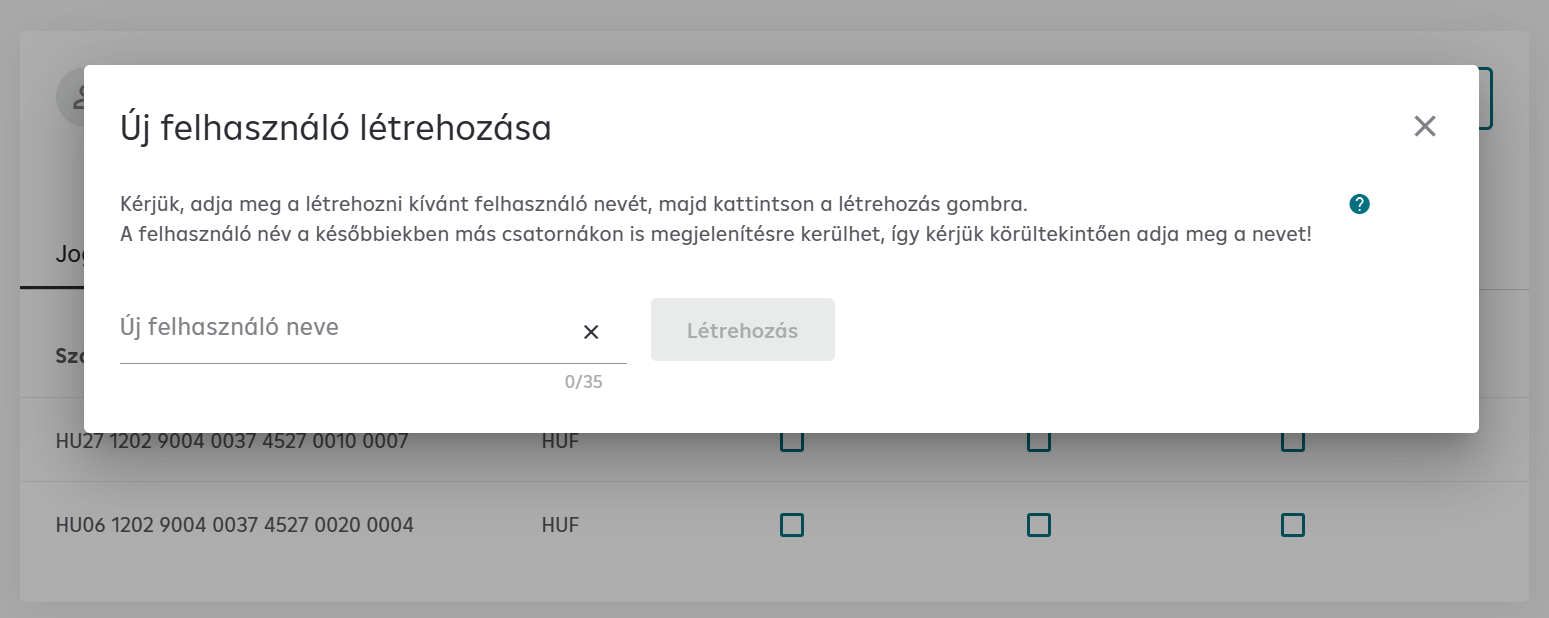
First, the user's name must be entered. The username may appear in various banking applications for transactions, so care should be taken when specifying it.
Applicable characters:
AÁBCDEÉFGHIÍJKLMNOÓÖŐPQRSTUÚÜŰVWXYZ aábcdeéfghiíjklmnoóöőpqrstuúüűvwxyz 1234567890 ]#$%&()+,-./;:?@_! Space
Setting Permissions
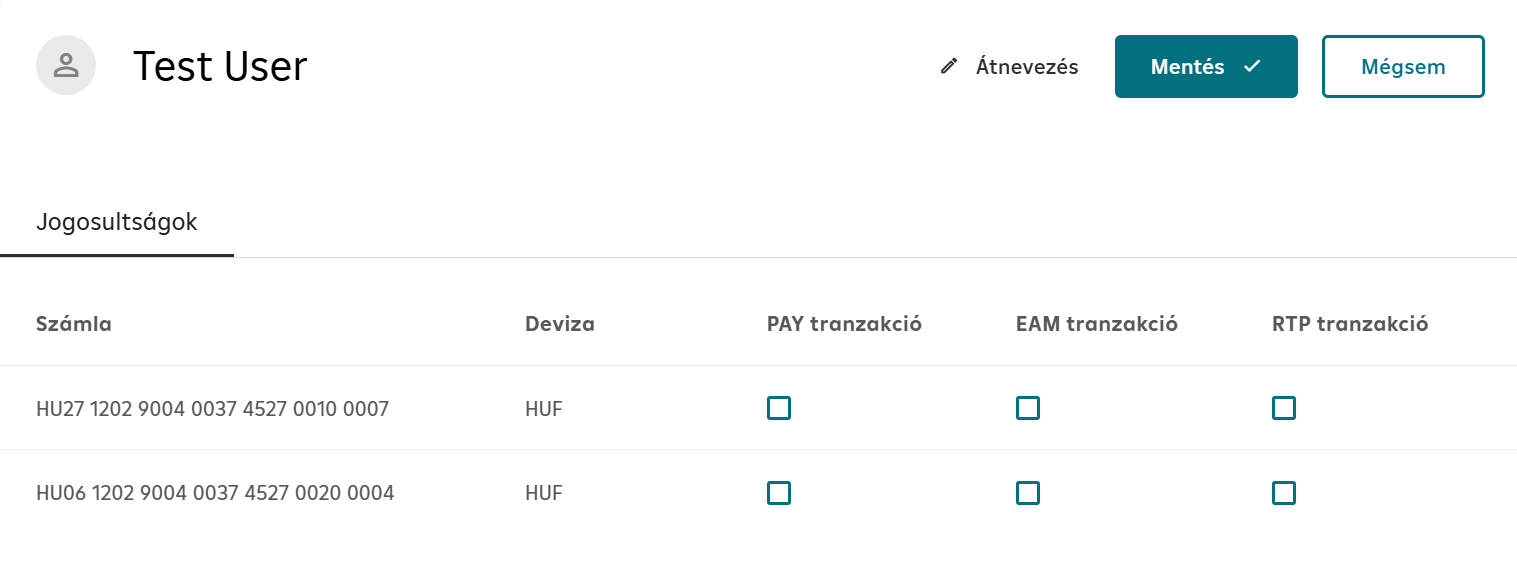
For EAM transactions, check the EAM transaction column.
For Payment Request, check the RTP transaction column.
For Payment API, Balance API and Statement API, check the PAY transaction column.
For OFO, check both the EAM transaction and RTP transaction columns.
Finally, click the Save button.
Signing the Order
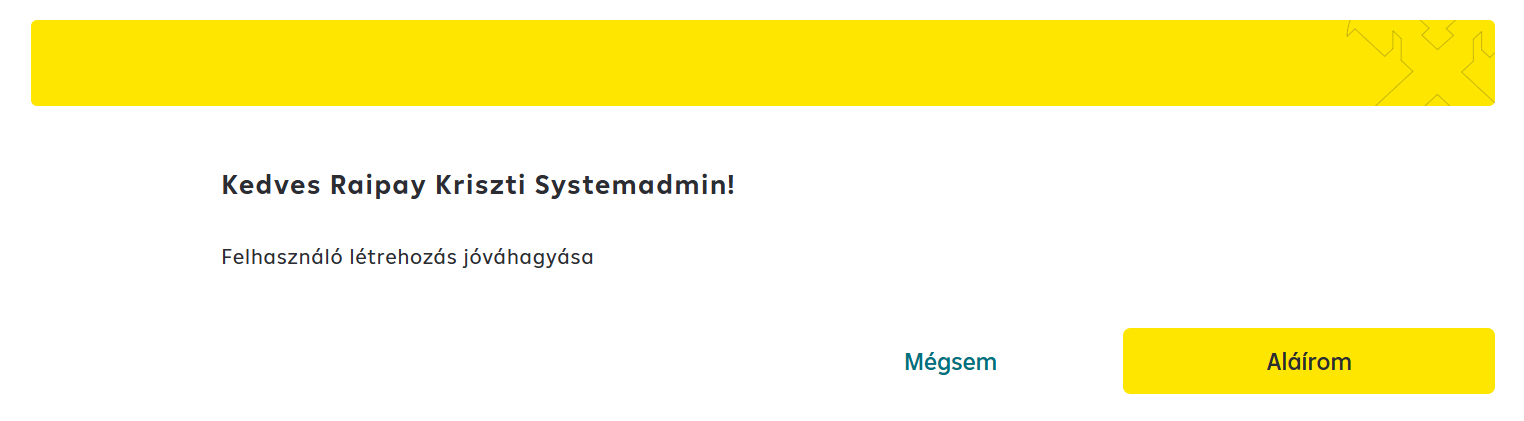
The order must be signed with a password + SMS combination. The SMS code must be retrieved via API, as demonstrated in the previous step.
Extracting Credentials
These products use CSR/JWT-based authentication. The next step is:
CSR/JWT authentication setup →
After uploading the CSR, the KID (Key ID) can be extracted from the RPP portal, which is used for JWT token generation.
The Online Payment Page uses HMAC-based authentication. The next step is: